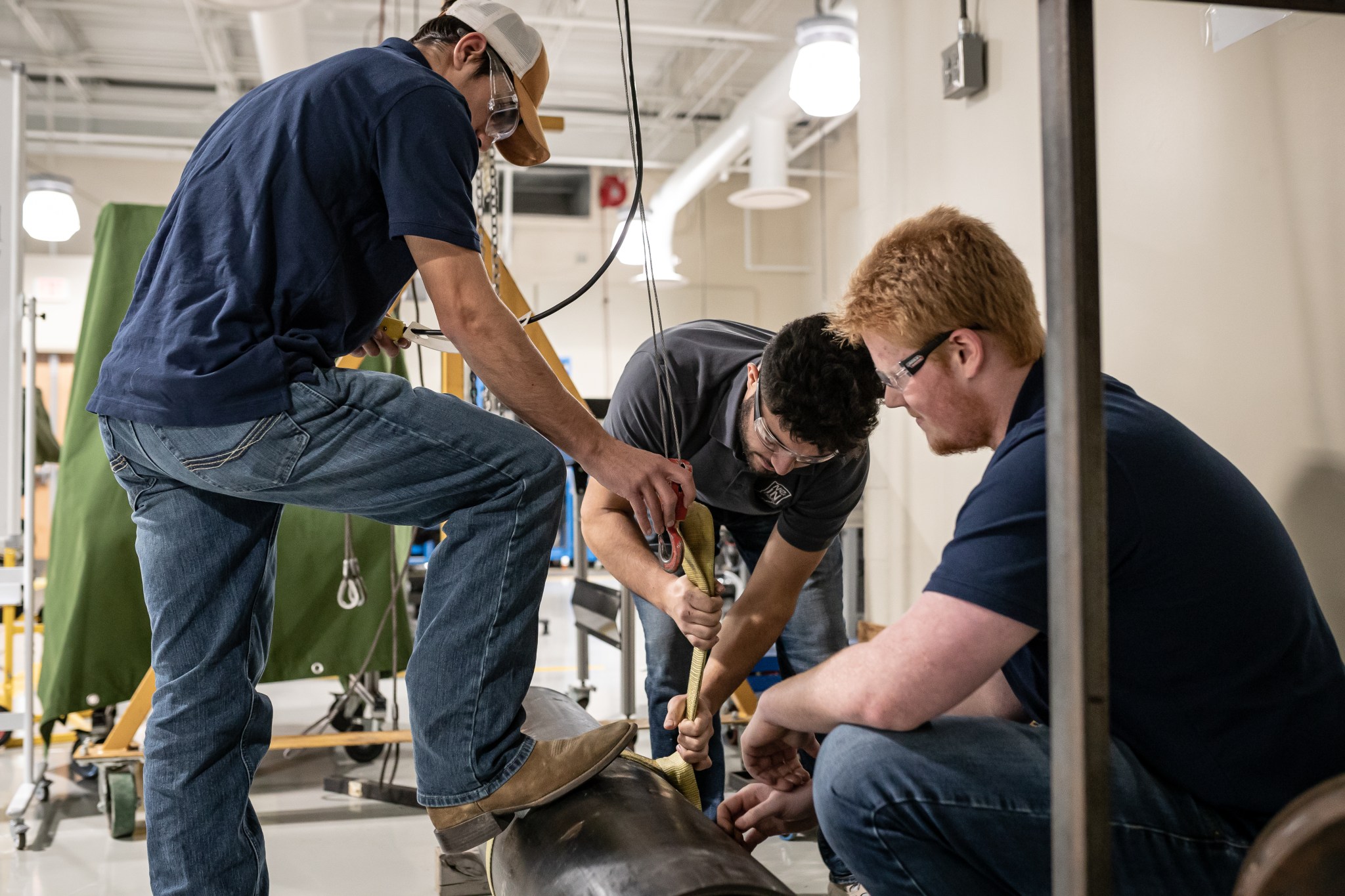
Safety doesn’t start with grand gestures—it starts with consistent, documented conversations. Yet across industries, from construction to manufacturing, teams still lose hours chasing lost notes, incomplete sign-ins, or verbal-only briefings that leave compliance gaps. The fix? A structured toolbox talk register Word template—a simple but powerful document that turns ad-hoc safety chats into auditable, actionable records.
This isn’t just about ticking a box. It’s about creating a living document that ensures every worker understands site risks, knows emergency procedures, and contributes to a culture where safety is spoken daily—not just when something goes wrong.
Below, we break down why a Word-based register works, how to use it effectively, and provide a clear, adaptable structure you can implement immediately.
Why a Word Template Works for Toolbox Talk Registers
While digital platforms and custom software exist, Microsoft Word remains the go-to for frontline supervisors and safety officers—and for good reason.
- Universal access: Nearly every site office has Word installed.
- No login required: Unlike cloud tools, there’s no training or password fatigue.
- Easy to print: Essential for sign-in sheets or posting in common areas.
- Customizable: You can adjust fields, formatting, and branding in minutes.
A Word-based toolbox talk register doesn’t need internet, complex permissions, or integration. It’s a straightforward document that captures key details: date, topic, attendees, risks discussed, and action items.
But not all templates are created equal. A poorly designed one leads to skipped entries, illegible handwriting, or incomplete data. The right template enforces consistency while staying practical.
Core Elements of an Effective Toolbox Talk Register
Your template should balance completeness with usability. Overload it, and workers skip it. Underload it, and auditors question its value.
Here are the non-negotiable components:
#### 1. Header: Site & Supervisor Info - Project name - Location - Supervisor name - Date and time - Weather conditions (if relevant)
Example: Project: Rivertown Warehouse Expansion Location: East Yard, Bay 3 Supervisor: James Reed Date: April 5, 2024 | Time: 6:45 AM Weather: Clear, 12°C
#### 2. Topic & Safety Focus Clearly state the discussion topic. Avoid vague titles like "General Safety." Be specific: - "Ladder Safety on Uneven Ground" - "PPE Requirements for Roof Work" - "Hazard Reporting Procedure"
#### 3. Discussion Summary A brief 3–5 bullet summary of what was covered: - Risks identified - Control measures - Site-specific rules
Example: - Uneven terrain increases ladder tip risk - Use leveling feet or scaffolding alternatives - Never stand on top two rungs - Report damaged ladders immediately
#### 4. Attendee Sign-In Sheet Include a table with: - Name - Signature - Trade/company - Date
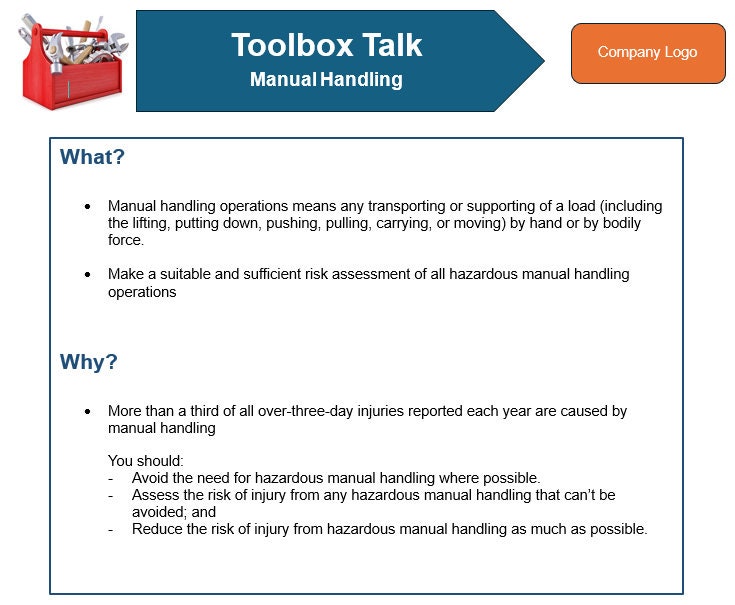
Leave space for 15–20 lines. Print extra if needed.
#### 5. Action Items & Follow-Ups Track any resulting tasks: - Who is responsible? - What’s the deadline? - Is equipment needed?
#### 6. Photo or Diagram Space (Optional) Some teams paste a photo of the work area or sketch a hazard zone. While not mandatory, it adds clarity.
Common Mistakes That Undermine Your Register
Even with a solid template, poor execution kills effectiveness. Watch for these:
- Using the same topic weekly
- Repeating "General Safety" every Monday signals complacency. Rotate topics monthly and align with current tasks.
- Backdating entries
- Filling in missed talks at month’s end raises red flags during audits. Do it live, or not at all.
- Letting one person sign for a crew
- Each worker must sign. Proxy signing invalidates attendance records.
- Storing registers in desk drawers
- If it’s not accessible—digitally or physically—no one can review it. Keep it in a shared drive or site office binder.
- Ignoring language barriers
- If workers don’t speak English fluently, the discussion (and register) must include translation or visual aids.
Real-World Use Case: Construction Site Turnaround
A mid-sized contractor in Manchester had repeated close calls involving overhead lifting. Their old system? A whiteboard summary erased daily.
They switched to a standardized Word template with: - A rotating monthly safety calendar - Mandatory photos attached to high-risk topics - Digital backup stored on a shared drive
Within three months: - Attendance logging jumped from 68% to 97% - Near-miss reports increased by 40% (a sign workers felt more engaged) - No lifting-related incidents occurred
The change wasn’t about technology—it was about making the process visible, repeatable, and accountable.
5 Practical Toolbox Talk Register Word Template Options
You don’t have to build from scratch. Here are five reliable, ready-to-use Word-based templates:
| Name | Best For | Customization | Download Source |
|---|---|---|---|
| HSE UK Standard Template | Compliance-heavy sites | Medium | hse.gov.uk (free) |
| SafeWork NSW Toolbox Talk Form | Australian projects | High | safework.nsw.gov.au |
| OSHA-Aligned Daily Brief Template | US contractors | Medium | osha.gov/resources |
| CustomBuilder Pro Template | Frequent topic rotation | High | TemplateMarket.com |
| SiteSafe Quick Register | Fast-paced crews | Low | sitesafe.org.nz |
Pro Tip: Download one, then modify it to match your company header, logo, and common job types. Save it as a
.dotxfile so it becomes a reusable template in Word.
How to Maintain and Audit Your Register
A toolbox talk register isn’t a one-and-done document. It must be maintained.
#### Weekly: - File completed sessions chronologically - Check for missing signatures - Flag any recurring issues (e.g., repeated PPE violations)
#### Monthly: - Review topics covered vs. actual site risks - Share summary with safety committee - Archive old registers (digital + physical)

#### During Audits: - Be ready to produce the last 90 days of records - Show how topics align with current work - Demonstrate follow-up on action items
Insight: Auditors care less about perfection and more about consistency and responsiveness. A well-maintained, slightly messy register beats a flawless but infrequent one.
Integrating the Register Into Daily Workflow
The best templates fail when treated as paperwork. Integrate it into your routine:
- Print 2 copies before the talk
- One stays with the supervisor, one goes to the site office.
- Complete the header and topic before starting
- Sets a professional tone.
- Assign a note-taker
- Rotate this role weekly among crew leads.
- Pass the sign-in sheet last
- Ensures everyone listens before signing.
- Store digitally the same day
- Scan or photo the signed page and upload to your project folder.
This takes 5 extra minutes—but prevents hours of rework later.
Limitations of Word-Based Registers
No tool is perfect. Be aware of Word’s constraints:
- No automatic reminders
- You must remember to run the talk.
- Version control issues
- Multiple edits can create conflicting files. Always name:
ToolboxTalk_ProjectDate_V2.docx
- Limited searchability
- Unlike databases, you can’t search "all talks about fall protection." Use clear file naming.
- Security risks
- Unprotected Word files can be altered. Save master copies as PDF after each session.
For high-risk or enterprise environments, consider upgrading to digital platforms later. But for most teams, Word strikes the right balance.
A toolbox talk register Word template isn’t just a form—it’s a daily commitment to safety culture. When done right, it reduces incidents, strengthens compliance, and gives every worker a voice.
Don’t overcomplicate it. Start with a clean, structured Word document. Customize it to your site. Use it consistently. Review it monthly.
The best safety tools aren’t flashy. They’re used.
FAQ
What should be included in a toolbox talk register? Date, location, supervisor, topic, discussion summary, attendee names/signatures, and any action items.
Can I use a digital signature on a Word register? Yes, if your company policy allows it. Otherwise, print and collect handwritten signatures.
How long should I keep toolbox talk records? At minimum, one year. Some industries (like construction) require up to seven years for audit purposes.
Who is responsible for completing the register? The site supervisor or team leader running the talk.
Should toolbox talk topics repeat? Yes, but not too often. Recurring high-risk topics (e.g., fall protection) should rotate every 6–8 weeks.
Can I share the register with subcontractors? Absolutely. Include all on-site workers, regardless of employer.
Is a Word template enough for OSHA or HSE compliance? Yes, as long as it’s consistently used, signed, and retained. The format matters less than the proof of communication.
FAQ
What should you look for in Toolbox Talk Register Word Template: Free & Effective Format? Focus on relevance, practical value, and how well the solution matches real user intent.
Is Toolbox Talk Register Word Template: Free & Effective Format suitable for beginners? That depends on the workflow, but a clear step-by-step approach usually makes it easier to start.
How do you compare options around Toolbox Talk Register Word Template: Free & Effective Format? Compare features, trust signals, limitations, pricing, and ease of implementation.
What mistakes should you avoid? Avoid generic choices, weak validation, and decisions based only on marketing claims.
What is the next best step? Shortlist the most relevant options, validate them quickly, and refine from real-world results.